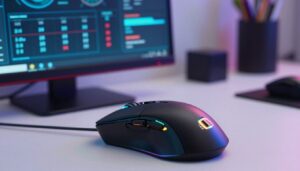
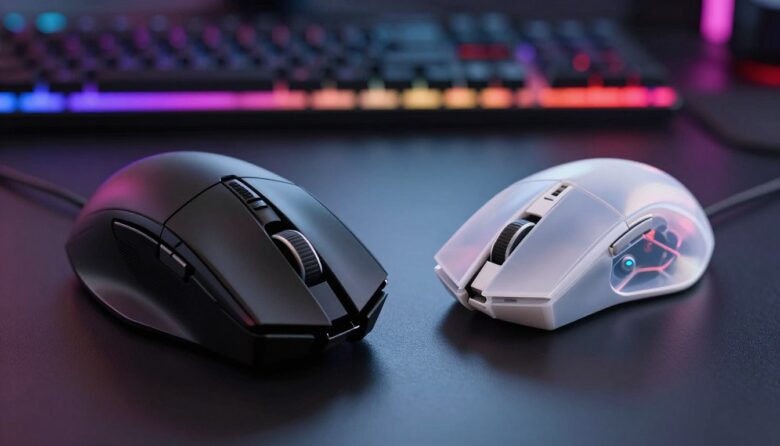
I often wonder if choosing between a heavier device or a lighter one really changes my aim in tight matches. Traditional gaming mice usually sit between 90 and 120 grams, while many modern models drop under 80 grams. That difference affects my wrist, speed, and control.
I want a high-performance gaming mouse that feels right in my hand. Reducing mouse weight cuts down on fatigue during long sessions and helps me keep precise movements. At the same time, shell materials, button quality, and internal components shape durability and comfort.
What actually helped me choose between a light or heavy mouse
I’ve tested both lightweight and heavier mice in real matches, and at first I kept trying to figure out which one was “better.” The truth is, I didn’t notice consistent improvements until I matched the weight to how I actually play. In fast-paced games, lighter mice felt quicker and less tiring, but in slower or more controlled situations, I sometimes preferred a bit more weight for stability. That’s when I realized there isn’t a universal answer—it depends on how you move and what feels natural over time.
From my experience, one mistake I made early on was switching gear too often without giving myself time to adapt. Every change in weight slightly alters muscle memory, and that can affect aim more than the mouse itself. I’ve learned to stick with one setup long enough to understand how it behaves before deciding if it really works for me.
I’ve noticed that consistency in your setup matters more than constantly chasing the “perfect” mouse.
If there’s one practical tip I can share, it’s to test your mouse in the games you actually play, not just in short sessions or menus. Pay attention to fatigue, control, and how stable your aim feels after longer matches—those details usually matter more than small differences in weight on paper.
Pro players often pick lighter designs for faster flicks and better stability when tracking targets in FPS titles. Still, the right setup depends on my dpi, grip style, and personal needs. In this article I’ll explore how weight, design, and features affect my aim and overall performance.
Key Takeaways
- Mouse weight matters for speed, fatigue, and control.
- Lighter designs often help with quick movements and aim.
- Durability, buttons, and shell materials are as important as mass.
- DPI and settings must match your grip and play style.
- Battery life and internal components affect wireless users.
Understanding the Evolution of Gaming Mouse Weight
Over the years I’ve watched the mouse evolve from a simple pointer to a precision tool for pros. Early models were heavier and simpler, while modern devices focus on sensor quality, ergonomics, and reduced mass for faster movements.
I find it fascinating that materials like specialized plastics and refined components let manufacturers shave off grams without losing durability or comfort. Internal components now matter as much as shell design.
“Every gram is accounted for to boost precision and speed,” a trend I’ve seen across top brands.
- Past: >100 grams, sturdy shells.
- Now: Sub-80 gram designs with advanced sensors.
- Users seek balance between stability and agility.
| Era | Typical Weight (grams) | Key Components | User Priority |
|---|---|---|---|
| Early 2000s | 100–130 | Basic sensors, metal/plastic shells | Durability, feel |
| 2010s | 85–110 | Improved sensors, ergonomic design | Comfort, accuracy |
| Present | 60–90 | Ultra-responsive sensors, lightweight materials | Speed, precision |
Comparing Heavy vs Lightweight Gaming Mice for Competitive Play
In competitive sessions, the mass of my mouse often dictates how I move and aim. Choosing the right device comes down to what my playstyle needs: speed or stability. Below I break the main benefits so you can match weight to your setup.
Benefits of Lightweight Designs
I find that lightweight mice often let me flick faster in FPS matches. Less inertia means quicker movements with lower effort.
Pros: improved speed, reduced hand fatigue, and easier micro-adjustments at low dpi.
Advantages of Heavier Models
When I use a heavy mouse, I notice added steadiness. The extra mass helps keep tracking smooth during long sessions.
Pros: better stability, more palm support, and often greater perceived durability in the shell and buttons.
| Factor | Light Devices | Heavier Devices |
|---|---|---|
| Speed | High — easier flicks | Moderate — controlled swipes |
| Stability | Lower — needs skill | High — steadier aim |
| Fatigue | Lower over long play | Higher without rest |
| Durability | Varies by design | Often higher |
How Physical Design Influences Your Aiming Precision
Physical design sets the baseline for how a device responds to my hand. Shell shape, materials, and internal layout determine balance, comfort, and the tiny corrections I make at the crosshair.
I rely on sensors like the PixArt PMW3389 for precise tracking at high dpi. That sensor translates my movements into accurate cursor shifts, so pairing it with the right shell matters.
The parts that change feel and control
- I note that honeycomb shells shave grams while keeping structural integrity.
- The size of the battery and PCB in wireless models increases mouse weight and shifts balance.
- Button placement and overall shape affect my grip and comfort during long matches.
- Modern wireless mice have fixed earlier latency concerns, so battery and antenna layout are now weight factors.
“The best setup combines a responsive sensor with thoughtful materials and compact internal components.”
Understanding these factors helps me choose a device that matches my speed, control, and long-term comfort.
The Role of Grip Style and Hand Comfort
My grip decides how a mouse becomes part of my hand during long sessions.
I use three main grip styles: palm, claw, and fingertip. Each changes how I feel weight and control. For me, palm grips often pair well with a slightly higher weight because the hand rests fully and gains stability.
Claw grips let me flick quickly while keeping a firm hold. Fingertip grips favor faster, agile movements and often work best with lighter designs that let my fingers move freely.
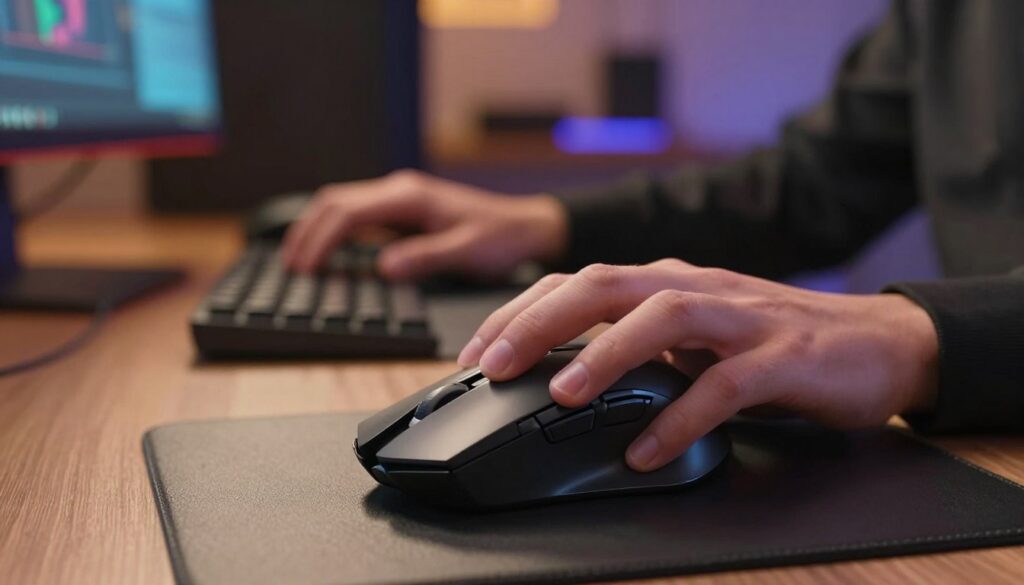
I test mice before I commit. A shape that supports my palm and fingers cuts down wrist fatigue and keeps steady control during tense moments.
- I noticed larger hands often feel more stable with added weight and palm support.
- Fingertip users benefit from low inertia for rapid swipes and precise micro-adjustments.
- Comfort and fit usually beat raw specs when I choose a new device for performance.
“A well-designed grip area keeps me stable even during wide, sweeping movements.”
Ultimately, match your hand, dpi, and play style. Prioritizing comfort reduces fatigue and helps your aim stay consistent.
Matching Your Mouse Weight to Specific Game Genres
Choosing weight by genre helps me tune speed, control, and comfort for each session. I match my setup to what the title asks of my hand and movements.
Fast Paced Shooters
For fast-paced fps play I want extreme speed and low inertia. A very light option like the K1ING M916 PRO at 49 grams lets me flick quickly and react faster.
Tip: pair low weight with an appropriate dpi and a fingertip or claw grip for best precision.
Strategy and Tactical Titles
In strategy games, steady selection and careful control matter more than raw speed.
I often reach for a slightly heavier model to avoid accidental cursor hops in games like StarCraft. The Redragon M808 Storm at 85g strikes a useful balance of stability and agility.
MMORPG Considerations
MMORPG players need many buttons, comfort for long sessions, and reliable control. I prefer a medium-weight design so the device supports my palm without tiring my hand.
Adjusting settings and dpi makes many devices versatile for multiple game types. Ultimately, my playstyle and needs decide whether I choose a light or a heavy mouse.
| Genre | Recommended Weight | Why it works |
|---|---|---|
| Fast-paced FPS | 40–60 grams | Maximizes speed and quick flicks |
| Strategy / Tactical | 75–95 grams | Improves stability for precise selection |
| MMORPG / Long Sessions | 70–90 grams | Balances comfort, extra buttons, and control |
Technical Factors That Affect Your Perceived Control
Responsiveness comes from more than shape—it’s built into sensors, switches, and firmware. I pay attention to specs because they explain why a gaming mouse can feel instant or delayed.
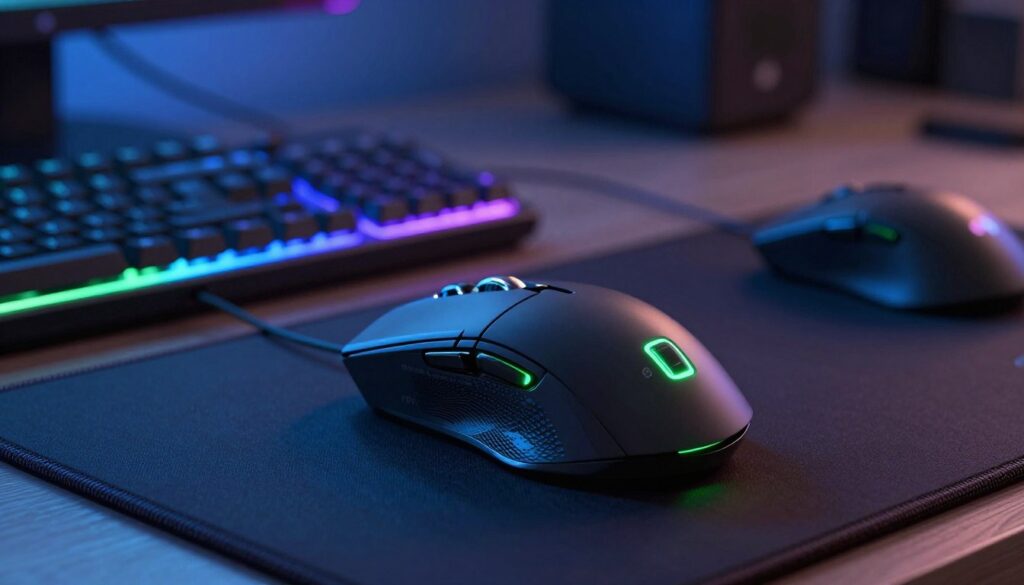
One big factor is polling rate. An 8000Hz polling rate means the device reports position far more often, and I feel that boost in fast-paced fps matches.
The quality of switches matters too. Kailh GM 8.0 switches are rated for 100 million clicks, which gives me confidence in long-term durability and tactile consistency.
- I notice cable or battery weight shifts balance in wired and wireless mice.
- Sensors paired with a well-chosen shell give the precision I need at low dpi.
- Consistency in buttons and materials helps my muscle memory stay sharp.
“Internal components and settings combine to shape perceived control.”
By checking these factors—polling, switches, internal components, and shell materials—I can pick a device that matches my grip, reduces fatigue, and improves my aim in games.
Final Thoughts on Choosing Your Ideal Gaming Mouse
Picking the right mouse comes down to how it feels in my hand during long sessions. Comfort and steady control beat specs when I want consistent aim and preserved muscle memory.
I accept that no single device suits every player. Whether I try a lightweight mice option or a slightly denser design, I look for one that matches my grip style, dpi setup, and play needs.
My best advice for users is simple: test several models while playing your favorite games. Real use reveals how mouse weight, design, and buttons affect performance and comfort over time.
Focus on fit, not trends, and you’ll find a gaming mouse that helps you play better for years.
FAQ
How does mouse weight affect aim in fast-paced shooters?
I find that a lighter mouse lets me flick and track with less wrist fatigue, which helps in rapid, small corrections. A slightly heavier option can add stability for precise single-shot aim, but it may slow down repeated flicks. Your DPI, sensor quality, and muscle memory often matter more than grams alone.
Should I change my grip style when switching to a different mouse weight?
Yes. Switching from palm to claw or fingertip grip can help you control a lighter model better, while a palm grip pairs well with a slightly heavier device for support. I recommend trying adjustments in a practice map to find what feels natural.
Do wireless models impact control compared to wired ones?
Modern wireless designs from brands like Logitech and Razer offer excellent latency and battery performance. The main trade-offs are often in weight and internal components—battery placement can shift balance—so test how it feels in long sessions if stability matters to you.
How important is shell material and build for aiming precision?
Shell materials influence grip texture, durability, and overall weight distribution. A sturdy, well-balanced shell helps maintain consistent hand placement. I look for a solid feel, minimal flex, and materials that resist sweat to keep movements predictable.
Can I tune my mouse weight to suit different game genres?
Absolutely. For first-person shooters I prefer less mass for faster turns. For strategy or tactical titles that require precise cursor placement, a bit more heft helps. Massively multiplayer games benefit from comfort and button layout more than pure weight, so prioritize ergonomics there.
How much does sensor performance matter compared to weight?
Sensor quality—tracking accuracy, DPI range, and lift-off distance—often makes a bigger difference than mass. A precise sensor ensures your movements translate reliably, so pair good tracking with a comfortable weight and grip for best results.
Will a heavier mouse reduce wrist fatigue over long sessions?
Heavier models can feel more stable, but they may increase muscle strain over time, especially during extended play. I tend to choose a balance: light enough to reduce repetitive stress, but with enough presence to avoid overcompensating with jerky movements.
How should I choose between durability and low weight?
Ultralight designs sometimes sacrifice some durability for reduced grams, while sturdier builds add weight. I prioritize reputable brands and read reviews for button life and shell resilience. If you travel a lot or are rough on gear, choose durability; if speed is your priority, lean lighter.
Are adjustable-weight systems worth it?
Adjustable-weight kits can be helpful if you play multiple genres or share gear. They let you fine-tune balance and mass without buying multiple peripherals. I recommend them if you value customization, but core factors like shape and sensor still matter most.
How do I train to adapt when I switch mouse weight?
Spend dedicated time in aim trainers or practice modes, focusing on tracking and flick drills. Start with low-sensitivity settings to build consistent muscle memory, and gradually return to your preferred DPI. I found short, regular sessions more effective than long, infrequent ones.

Dylan Mercer is a hardware enthusiast specializing in mechanical keyboards and high-performance mice. He shares in-depth reviews, switch comparisons, and setup tips to help users achieve precision, speed, and comfort in every click and keystroke.